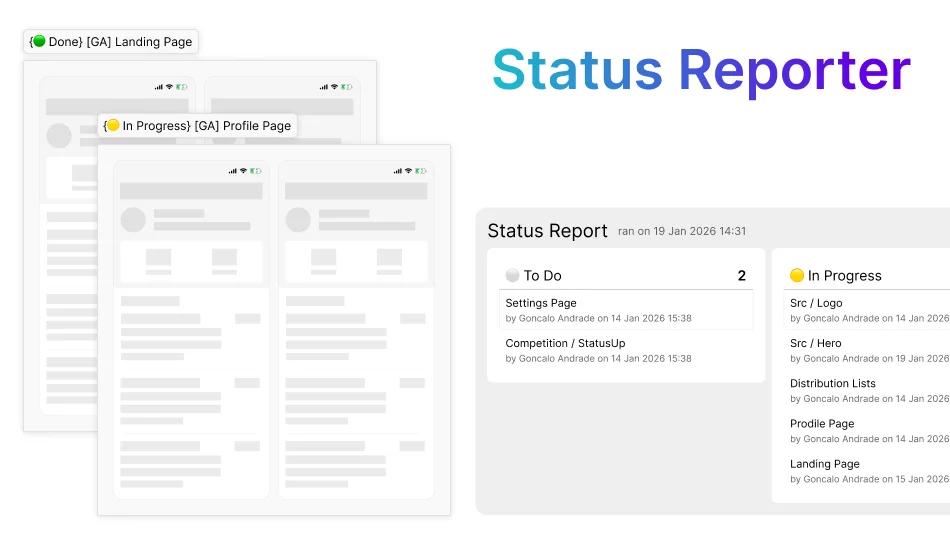
Status Reporter
Organise your design work, share reports
Oct 2026
The issue
When working on the same Figma files with my team we came across a problem. We were working on very complex internal applications, and we found it hard to tell who was working on what. Moreover, it was even harder to tell anyone outside our team who asked how the project was going.
We decided to group things in large Sections in order to keep everything tidy. We even used a plugin to manage the statuses of those sections by renaming them.
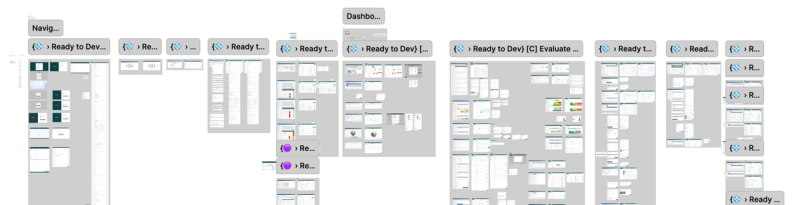
Over time we started to find some issues with this method. It was very time consuming to run a report on all the statuses, and we couldn’t find statuses in the plugin for exactly what we wanted.
Creating a Plugin
To address these issues I created a Figma plugin called Status Reporter.
I wanted to make sure it would cater to our process, so I made sure it:
- Can set not only statuses for Sections, but also attach information about the author and the date it was last updated.
- Can Run a report on all the Sections with statuses, make it easy to read.
- Can be exported as CSV, for reporting out of the design team.
- In order to not rely on humans remembering to update the report, each time a status is updated, the report is updated too.
This plugin was then published alongside this article, so it can be used by other teams who might also find it useful.
Section Statuses
The plugin assumes the work will be organised using Sections. This is to clarify which element represents an organisational unit, which in turn makes the plugin faster.
As each group of designs that need a status should be included in a Section. The plugin will crate a Section at the top level of that page, and attach the status to that if you try to use the plugin in in anything other than one.
The plugin comes with some default statuses, though you can change them and even add your own.
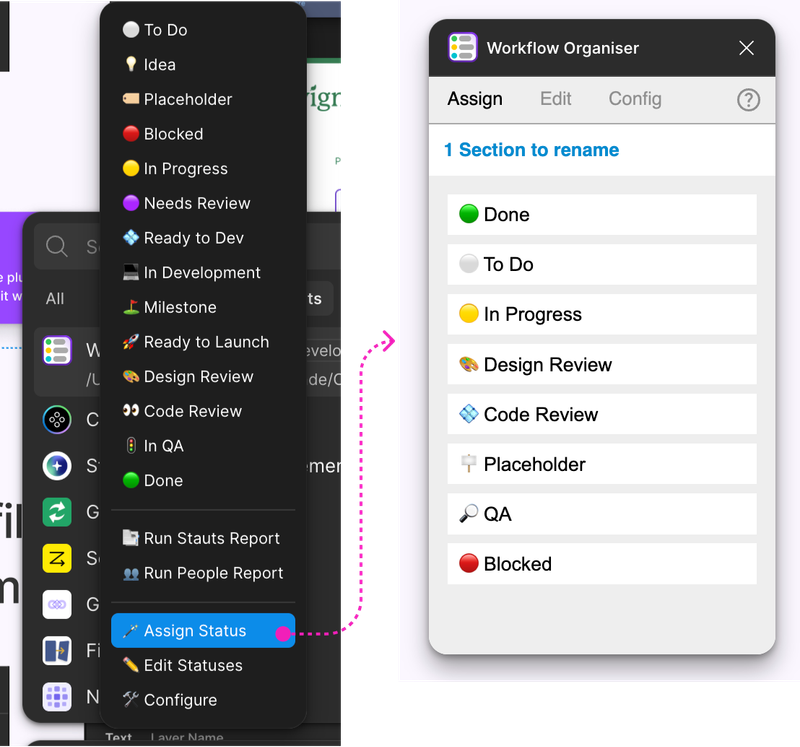
The ones that come as standard are:
- ⚪ To Do
- 💡 Idea
- 🏷 Placeholder
- 🔴 Blocked
- 🔬 In Research
- 📬 Researched
- 🟡 In Progress
- 🟣 Needs Review
- 💠 Ready to Dev
- 💻 In Development
- ⛳ Milestone
- 🚀 Ready to Launch
- 🎨 Design Review
- 👀 Code Review
- 🚦 In QA
- 🟢 Done
These statuses can be changed and customised in the settings. They take an emoji and a name for the status.
What if I don't have sections?
The plugin will create a Section at the top level (directly on the page) for each top-level element you have selected.
Reports
You can run 2 kinds of reports with this tool: by Section or by person.
For the purposes of this reporting the person assigned to a Section is the one to last assign it a status. This also sets the last modified date.
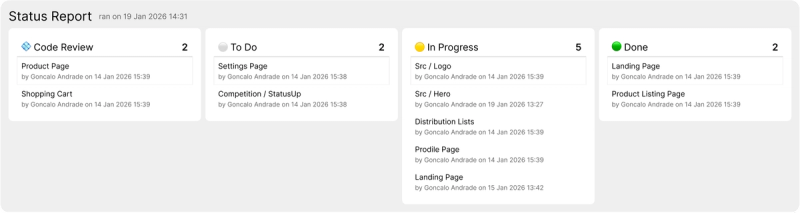
The reports stay in the page they were created, and only report on things in the same page. They have a board layout to make it easier to see the progress at a glance.
The report can be moved in the page, and it will update wherever it is without moving it.
Live Updating Reports
Once created, the report updates every time you use the plugin to update a status. It only updates that single entry in the report, so it should be fairly quick.
You don’t need to worry about updating the report manually, it should always be up to date, as long as the statuses are maintained.
This feature can be disabled in the Config tab.
Exporting Reports
Reports can also be exported as a CSV file, which should make it easier to share with stakeholders in other teams.
Recommended Workflow
From using this system myself in several products, I found adding empty sections with a “To Do” or “Idea” status right at the start provides you with a good foundation to manage your work.
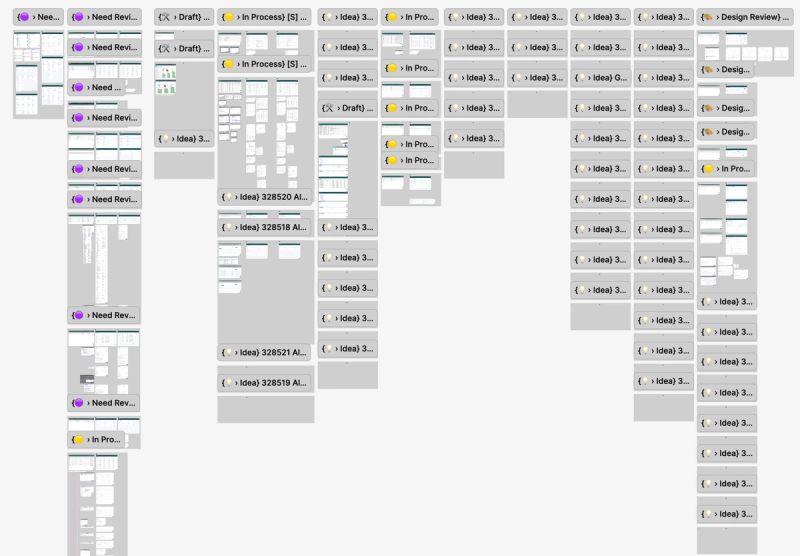
These empty sections will give you an idea of how much work is left to do. As you and your team continue working on the sections, you should see the empty Sections’ status shrinking as other statuses grow.